A semantic code compiler for LLMs
LLMs are effective code generation tools. A focused LLM is very effective and even a joy to use. But ramp up time and context bloat means the model may struggle to understand large codebases, dependencies, and the magic window may be short lived. Especially in longer sessions or when work is done across project boundaries.
Recycling sessions, managing multiple agents, and creating markdown files help to mitigate context bloat and hallucinations, but there is still the ramp up time and overhead that may be better addressed another way. The Grapple compiler addresses this and more by creating semantic mappings of your source code.
Classes, interfaces, methods, properties, enums, structs, records, delegates, inheritance chains, attributes, public callsites, and cross-project dependencies.
Classes, interfaces, enums, type aliases, functions, methods, imports, and module structure.
Selectors, custom properties, at-rules, class definitions, design tokens, and dead CSS detection by cross-referencing with markup and scripts.
Instead of long grep results and code deep dives, the coding agent sees Grapple's pre-digested mappings of projects, code elements, callsites, and even file dependencies and CSS elements. Everything the LLM needs to effectively work in your codebase.
The grappled results are then exposed to the LLM over a local MCP endpoint. So not only are the results readily available to any current coding agent, your code never leaves your machine and is easily kept up to date by simply recompiling the solution.
Spinning up a new session does not require the LLM to grep your entire codebase for an architectural understanding. It sees your design choices and architecture readily.
Raw code is token-dense and contains boilerplate that exhausts an LLM's context window. Grapple allows the model to load only the definitions it needs, reducing token usage from hundreds of thousands to just a few thousand per task.
Grapple provides pre-digested context on who calls whom, acting as a semantic layer that prevents the model from getting lost in implementation details.
Semantic mappings enable the model to understand code by its behavior and meaning rather than just its labels.
Since mappings are served via MCP, the LLM can synthesize insights across disparate projects simultaneously. "Where is the TypeScript model for this DTO?" "Who else is calling this interface method?"
Grapple exposes source locations for all semantic mappings. Grappled content is immediately searchable and located vs. relying on previous context or grep results.
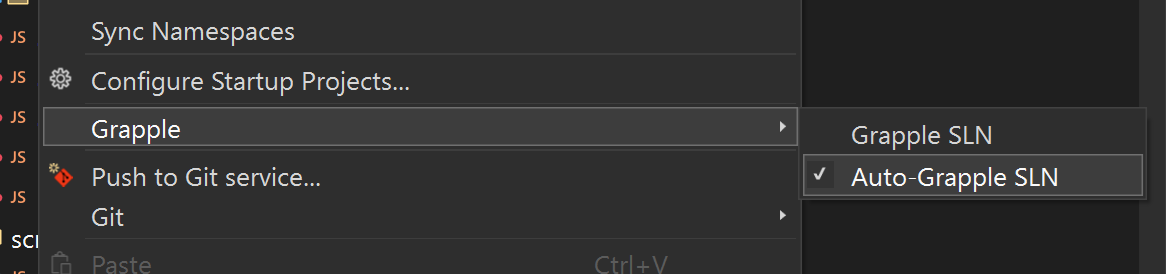
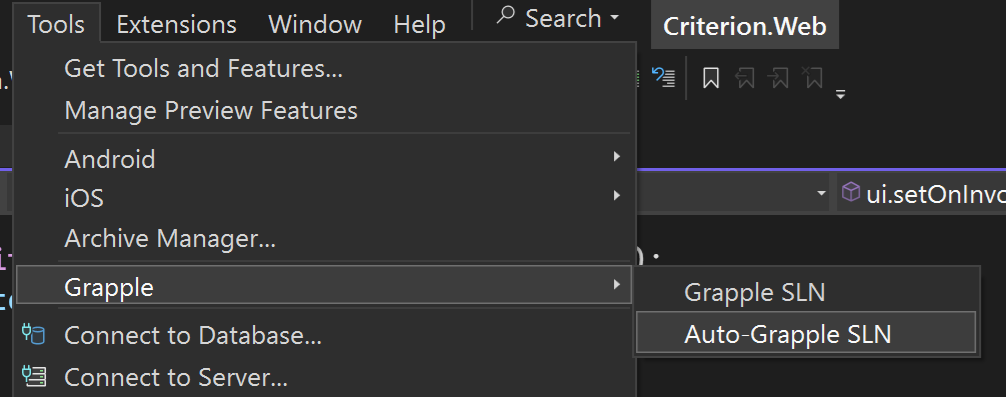
The first release of Grapple will be Grapple+VSIX. This package integrates the Grapple compiler with Visual Studio and exposes each grappled solution as its own MCP server instance. Compiled output is automatically advertised to Claude Code. Grapple the solution and open a Claude session in that directory. Claude will engage with it automatically.
Solutions can be grappled manually or automatically with every build.
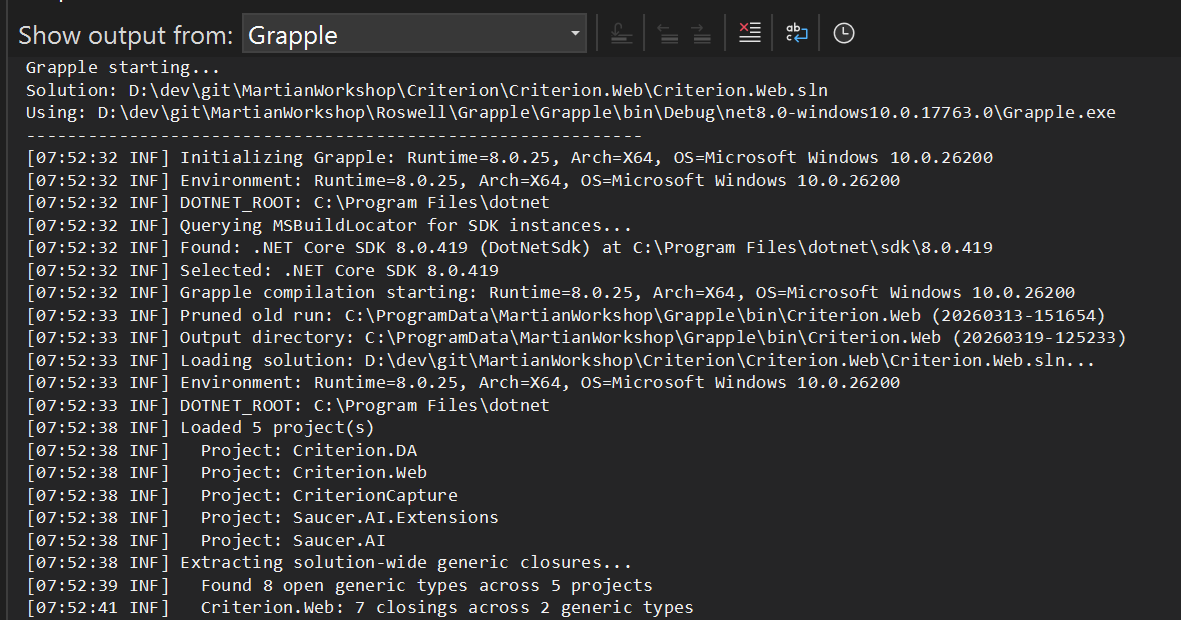
Grapple outputs the MCP service URL on every build. MCP status and endpoints are available locally through any browser.

Grapple is in active development at The Martian Workshop. Currently targeting Visual Studio with .NET solution support. Grapple will be ported to other workflows in the future. Support for Visual Studio Code and Python codebases is expected.
Follow The Martian Workshop on GitHub for release announcements.